Category: New Media

New media is a broad term that encompass the amalgamation of traditional media such as film, images, music, spoken and written word, with the interactive power of computer and communications technology, computer-enabled consumer devices and most importantly the Internet.
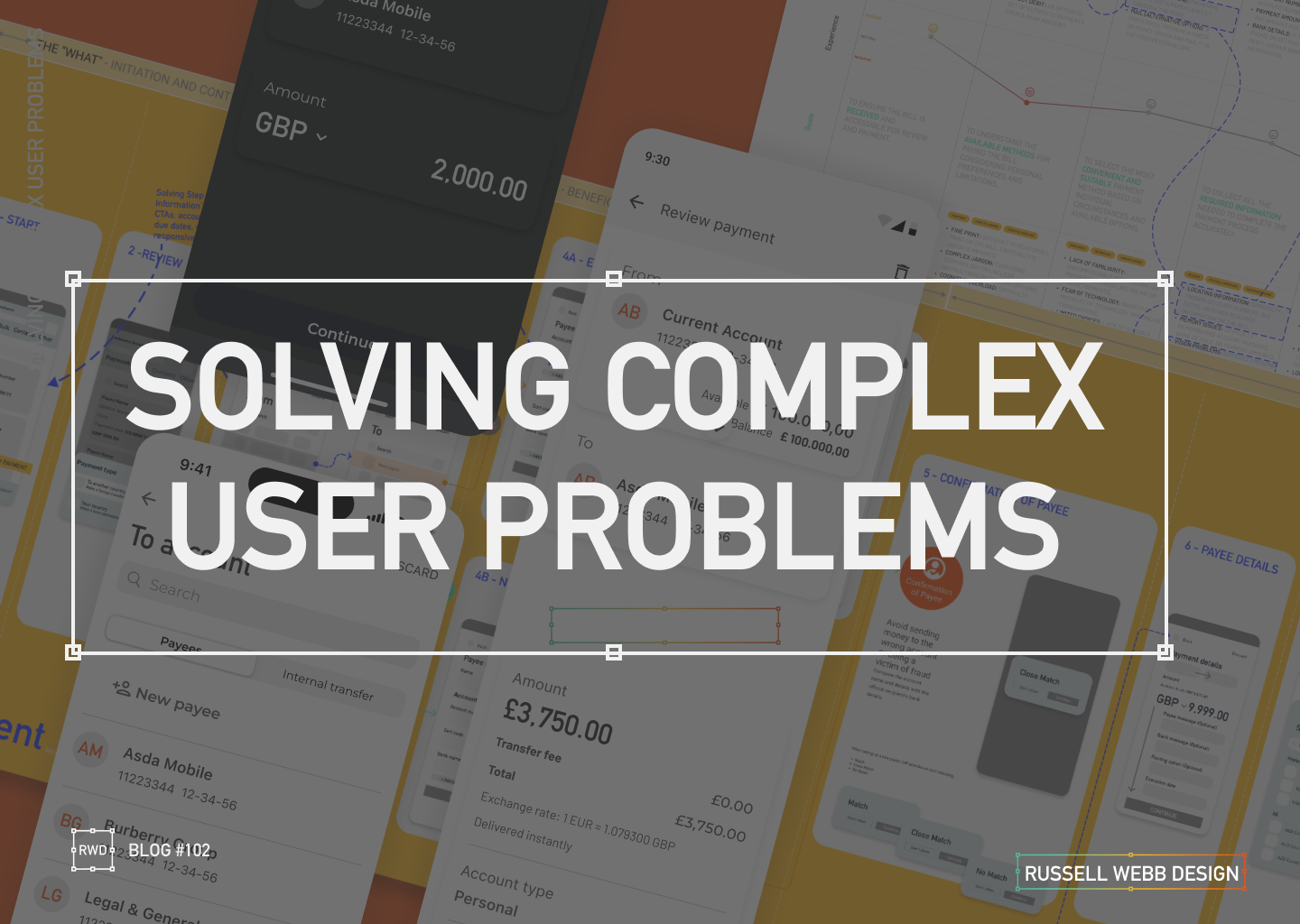
  • Solving complex user problems

    Solving complex user problems

    💳 This Case Study focuses on Payments.

    🧠 This Case Study uses AI: For corrective grammatical tasks, to verify facts and corroborate Journey Mapping insights.

    🔒 Details are protected by NDAs – Customer outputs have been disguised. UX best practices remains.


    My E2E Design Process

    ENTERPRISE

    automny

    🚀 From Discovery to Design and Solution

    01Problem Statement: Create a user-friendly and simplified mobile journey that helps seniors mitigate their fraud anxiety, meet financial regulatory standards and ultimately manage their finances to make informed financial decisions within the ecosystem of UK Payments (i.e. improve their financial wellness).

    02 Segmentation: Identify distinct segments within the “aging parent” demographic (e.g., healthy retirees, chronic conditions, single parents). Target a segment that can most benefit from a mobile journey, particularly the UK Payment process.

    03 Research & Strategy: Use quantitative data with qualitative insights to inform a Customer Journey Map. Visualise the financial and emotional challenges faced by each segment, across a given scenario.

    04 Wire framing Design Decisions: Making trade-offs and delivering a justified UX solution.

    05Conclusion & Outcomes – Key takeouts on why this case study successfully translated a complex real-world business problem into an initiative UX wireframe and Final UI flow.


    Problem & Challenge

    01.01

    Complex

    Regulatory

    Senior user groups face significant barriers to mobile adoption, especially with the complexities of a Payment flow.

    Obstacles: Fear of fraud | High cognitive load | Digital literacy gaps.


    Design challenge: Create a simplified and intuitive Payment journey, incorporating robust security and multi-steps required to meet regulatory standards.

    Current flow: High transaction abandonment and increased financial stress.

    Low-anxiety mobile payment

    01.02

    Financial Fears

    1. Map out a diverse range of seniors’ on a specific financial journey.
    2. Identify recurring frustrations and unmet needs to form themes.
    3. Design System: Execute a learned solution to solving senior financial wellness for this highly complex task.

    My experience consistently highlights that fear of fraud, cognitive load and digital literacy are major barriers to successful task completion for seniors. These fears are amplified during critical tasks like payments with multiple cognitive and security demands.

    Teams struggle to create a mobile payment flow that simultaneously meets modern security standards (e.g. multi-factor authentication, biometric prompts, COP) that minimises transaction abandonment, locked accounts, and user financial anxiety.

    Business problem | Design challenge

    01.03

    Robust

    Multi Step

    Unclear Alerts

    Balancing the need for a simplified flow, with the need for a robust, secure multi-step flow – required to mitigate fraud anxiety and meet industry standards – is the biggest challenge

    • Simplify complex tasks 
    • Prioritises key information while safeguarding users from fraud
    • Offers context-sensitive, proactive (not crisis-driven) support tools

    Pain points: Unintuitive interfaces, difficulty with small text/controls, fear of scams/fraud, loss of control, and lack of support, unclear fraud alerts, and difficulties with two-factor or biometric authentication. 

    👉 Complex flows increase cognitive load


    Segmentation

    PERSONAS

    🧠 These Personas use AI: To qualify primary and personal experience, to generate profile photography and clarify vocabulary.

    To respect confidentiality agreements, the branding and specific naming have been modified. This product is currently live and serving 6k users

    Tech-Savvy

    02.01

    Retired professor of English Literature

    “I’m not afraid of technology, but I want it to be simple and intuitive. I shouldn’t have to read a manual to figure out how to use something basic.”

    Tech-Wary

    02.02

    Retired accountant

    I’m old-fashioned. I don’t need all these fancy gadgets. I get by just fine with what I have.”

    High-Net-Worth

    02.03

    Focus: User-friendly interface, advanced features like budgeting tools, investment tracking, and retirement planning calculators.

    Caregiver-Dependent

    02.04

    Focus: Features that enable family members or caregivers to assist with financial management, such as shared access, bill pay assistance, and alerts for suspicious activity.

    Single-Senior

    02.05

    Characteristics: May face unique financial challenges such as navigating retirement income on a single income, planning for long-term care, and estate planning.

    “Sandwich Generation”

    02.06

    Characteristics: Still providing financial support to adult children while managing their own retirement needs.

    Personas Take-outs: 

    • Accessibility: Visual impairments, cognitive decline, and physical limitations. i.e larger fonts, high-contrast colours, and voice-activated controls.
    • Personalisation: Adapt to individual needs and preferences.
    • Security: Prioritise security and privacy, protecting seniors’ sensitive financial information. i.e. reduce anxiety
    • Promote financial wellness and stress management: Offer tools and resources to help the Sandwich Generation manage stress and prioritise their own financial well-being.

    Research & Strategy

    Journey Mapping User Profile

    03.01

    Explore the specific scenario for a Tech-Wary senior, with a lack of support, and simple banking needs:

    Journey Mapping Scenario: She receives a paper bill in the mail. She has a basic current account with a local bank branch, but prefers to handle her finances in person. However, the nearest branch is now closed, and she has limited access to reliable internet.


    ‘Make a payment’ Journey Map

    03.02

    Cognitive decline

    Reduced steps

    Fraud anxiety

    To respect confidentiality agreements, the branding and specific naming have been modified. This product is currently live and serving 10K plus HNW users.

    Design Decisions

    Making trade-offs and delivering a justified UX solution.

    04.01

    Peronalisation

    Agile mindset

    Make a Payment

    UX designers are re-writing their playbook when creating the UK Payment digital experiences. Using native mobile patterns that provide a white glove experience, reacting to task-orientated user needs.

    1. The Accessibility-First Mindset

    Inclusive Design from the Start: Not just meeting legal standards incl. WCAG, but ensuring it’s a shared team responsibility to implement descriptive alt text for images and proper and strong visual cues (colour, icons, etc) for assistive technologies.

    2. ‘Hand-Holding’ experience

    Mobile patterns are evolving, guiding users through their tasks with minimal friction, Personalisation and Progressive Disclosure all reduce the cognitive load.

    3. Task-Oriented Patterns

    The goal is to help users complete their objectives as efficiently and effortlessly as possible. Push-back on nice-to-haves

    The ‘Make a Payment’ Journey, simplified

    04.02

    Business logic

    Data

    From 13-Steps;

    1. Start – Presenting the primary task. Establish task focus.
    2. Select payment type – Define the transaction context to enable contextual filtering.
    3. To > From – Source and destination mapping.
    4. Existing or New Beneficiary – Slightly prioritise recall (existing payee) over data entry (new payee) to reduce user effort.
    5. Confirmations of Payee – Critical security check. Provides reassurance.
    6. Payment details – Ensure the payment’s purpose is accurately communicated.
    7. Scheduled – For future payments as a secondary payment path.
    8. Fraud Warnings – UX mechanism to initiate a Reason for payment.
    9. Review – Single-screen summary allowing the user to execute the F-pattern check.
    10. Authorisation – A strong authentication layer (e.g., biometric, PIN) to prevent fraud.

    To 4-steps;

    1. The What – Initiation and Context
    2. The Who – Beneficiary and Destination
    3. How Much – Transaction Details and Customisation
    4. The Final Check – Execution Preparation

    Wire Framing Design Decisions

    04.03

    From 13 > 4

    Customer Journey Mapping: Visualise the financial and emotional challenges faced by each segment across their lifespan.
    Simplified: The “What” – Initiation and Context | The “Who” – Beneficiary and Destination | “How Much” – Transaction Details and Customisation | The Final Check – Execution

    Wireframes opportunities

    One Action Per Screen

    04.04

    DEVELOPMENT ALIGNMENT

    To avoid overwhelming the user, limit a screen to have a single, clear primary action only. This approach reduces cognitive load.

    Input fields with dual functionality

    04.05

    DUAL FUNCTIONLITY

    While active, focused and error states are expected these components should be default for both Existing Beneficiary and New Beneficiary reducing two mini journeys to one i.e. no read-only state for Existing Beneficiary.

    04.05

    SNEAK PREVIEW


    To respect confidentiality agreements, the branding and specific naming have been modified. This product is currently live and serving 6k users

    Conclusion & Outcomes

    This case study successfully translated a complex real-world business problem into an initiative UX wireframe and Final UI flow.

    By using research and design tools to uncover critical pain points, I designed an E2E ‘Make a Payment’ journey with feature parity, respect to development needs with native patterns integration within a comprehensive Design System, balancing security standards with essential user simplicity.

    05.01

    Enterprise UX UI

    Delivered in 3 Mths

    • Key stakeholders audience established 2-months before proposed Sprint through workshopping and client relationships.
    • Pain points highlighted early, including CoP, Secondary payment reference and scope (i.e Feed and FX was descoped)
    • Cross platform UX and UI for Alpha release delivered and demo’d in 3-months
    • Developer and BA handover scheduled early for estimation and to provide clarity
    • Design System integrated and UX Copy Check signed-off
    • No deadlines missed 🙂
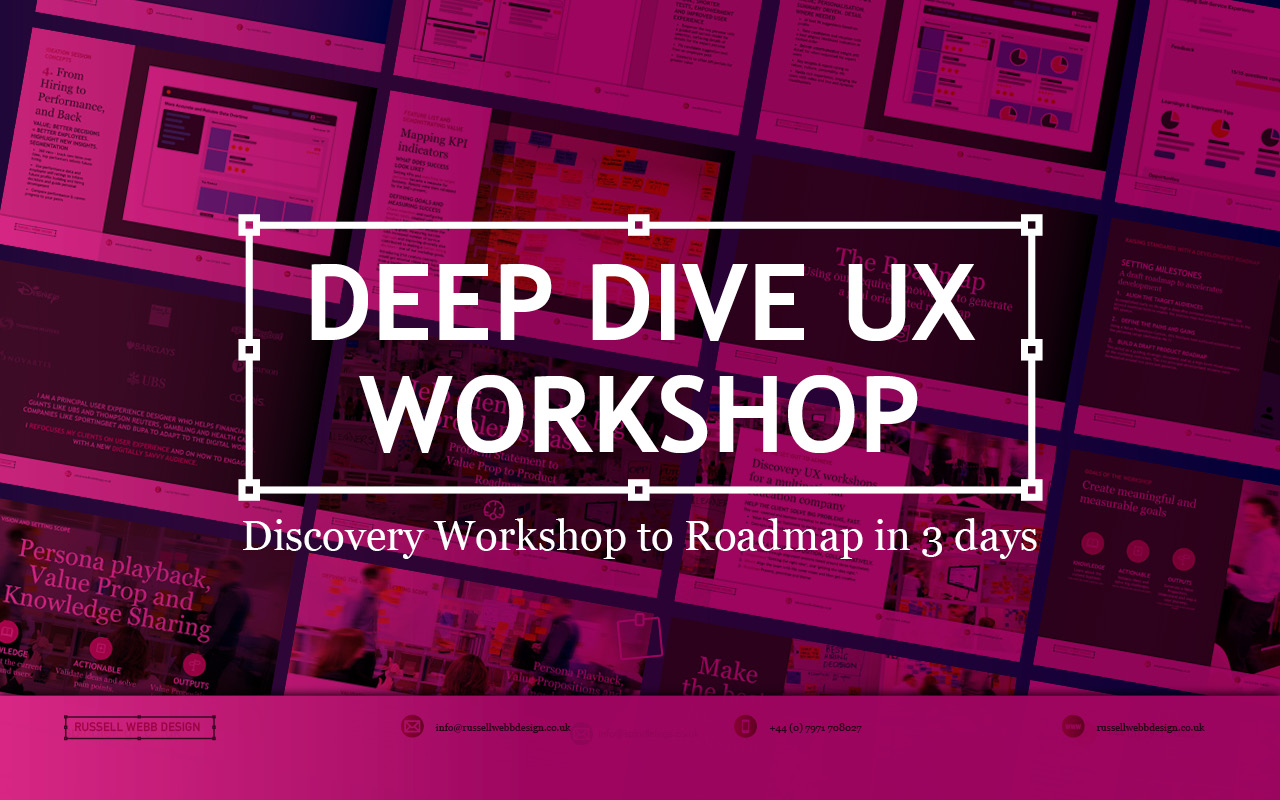
  • Discovery Workshop to Roadmap in 3 days

    Discovery Workshop to Roadmap in 3 days

    TLDR; Navigating Ambiguity
    Using workshop techniques I validated personas to surface a UI that promoted next steps for a Candidate Portal.

    Solving 3 big problems in 3 days; Aligning the target audiences through journey mapping, defining a Value Proposition and building a draft Product Roadmap.


    Hard Skills:

    Journey Mapping

    Research

    Visual Design

    Goal-oriented Roadmap

    Soft Skills:

    Empathy

    Collaboration

    Critical Thinking

    Full List →


    How to facilitate an ideation workshop around solving problems, understanding through ideation, knowledge sharing (based on agreed on personas)
    How to facilitate an ideation workshop around solving problems, understanding through ideation and knowledge sharing (based on agreed on personas)

    Help clients solve big problems, fast

    This user-centred and business workshop focussed on;

    • Business Problem Statement – The What
    • Value Proposition Statement – How to excite users / customers
    • Product Roadmap – Action/Next Steps

    What we set out to achieve

    Recently I was leading the Discovery phase for a multinational publishing, education & recruitment company. My prime objective was to facilitate the generation of a Value Proposition within a collaborative workshop environment based around three hypotheses;

    • Understand‘Getting the right idea’ and ‘getting the idea right’
    • Ideate – Align the team | Get creative
    • Roadmap – Present, prioritise and theme

    Defining Vision, setting scope

    How to facilitate an ideation workshop around solving problems, understanding through ideation, knowledge sharing (based on agreed on personas) and then attributing those personas, via SMEs validation, to surfacing UI to promote next steps plotted on a goal-oriented roadmap.
    How to facilitate an ideation workshop around solving problems, understanding through ideation, knowledge sharing (based on agreed on personas)

    Persona Playback, Value Propositions and Knowledge Sharing

    Validating Personas proved crucial. Early ‘Understand’ sessions proved invaluable in terms of getting to know the client’s ecosystem and getting closer to the overall workshop goals. Goals included personas improvements using a Value Proposition Canvas to expose misunderstandings, define Jobs To Be Done (JTBD) and Pains and Gains – more importantly it identifying key themes and services that would appeal to these personas. This ensured any misalignment did not cascade down to the Journey Maps on Day 2

    What we were trying to achieve using ‘Ask the experts’. Early touch points included attracting educational establishments and employers using baked-in services, plus having the ability to grow the market was paramount for particular personas. The client had the raw building blocks and the workflow for their ‘niche product for a niche market’, communicating that vision was the challenge.

    Customer Journey Mapping – Make the best hiring decision

    How to facilitate an ideation workshop around solving problems, understanding through ideation, knowledge sharing (based on agreed on personas) and then attributing those personas, via SMEs validation, to surfacing UI to promote next steps plotted on a goal-oriented roadmap.
    How to facilitate an ideation workshop around solving problems, understanding through ideation, knowledge sharing (based on agreed on personas)

    Gaining alignment across stakeholders on what making the ‘Best hiring decision’ journey looked like. Creating a visual representation of every experience a key persona(s) had with the client helped to tell a story, more importantly this led to a prioritised ideation list (visual solutions).

    Making the Best Hiring Decision

    • Initial stages – Planning and approval
    • Intermittent stage – Profile building, search and selection tools
    • Final stage – Interview, agreement and follow-on activities

    The exercise also highlighted a level of anxiousness, through to excitement and eventual relief. A truly valuable activity that presented opportunities that were eventually clustered and presented to the group as an adaptive Crazy 8 activity.

    Ideation and Roadmap

    Finally, this led on the most challenging section of the workshop, the Ideation Sessions. This resulted in 4 concept areas to prioritise on the road map and populate a timeline.

    Sketching can be scary!

    Demonstrate the steps to avoid a cold start.

    Push back on judgement calls and champion quantity over quality. All participants should take advantage of the knowledge in the room, bounce ideas off each other and improve through collaboration. A process of silent note taking, constrained to a page/large Post-It note, resulted in 4 principal concepts.

    Value: shorter tests, improve the UX

    Value: Personalisation. Summary driven.. 

    Value: candidate self-improvement.

     Value: better decision = better employees.

    Boosting Engagement

    Shortcuts to Success

    Shortcuts to Success

    • * Faster, more reliable tests: Reduce testing time and increase reliability
    • Personalised engagement: Tailor tests to individual needs, leading to higher engagement and lower churn.
    • Business-focused UX: Align testing with business goals by leveraging KPIs; Targeted feature development.
    Supercharge Testing

    Impactful Tests

    • Reduced client churn: Shorter, feedback-driven tests foster client satisfaction and retention.
    • Diversity in hiring: Objective, efficient testing helps attract diverse talent and improve hiring decisions.
    • * Shared Data; All backed up by a global database
    Boost diversity & retention

    Innovation for Early Adopters

    • * Modernise testing: Introduce innovative concepts too early adopters only.
    • Candidate quality and validity: Prioritise attracting the best candidates. Ensure test results are accurate and reliable.
    • Goal-oriented roadmap: Leverage learnings to craft a clear roadmap for continuous improvement.
    Better candidates | More valid results

    Goal-oriented roadmap

    Setting standards with a development Roadmap

    Solving big problems and setting milestones through a draft roadmap contributed to accelerating development across the current period and the next. Raise their internal products up to today’s standards was a priority. This roadmap was a significant step closer to this.

    3 big problems in 3 days

    Align the target audiences 

    We did this across the group early on through a deep-dive personas playback session. This proved essential both to enable the journey map but also assigning value in the KPI session.

    Define the Pains and Gains

    This was accomplished with a Value Proposition Canvas. A useful business tool to surface Pains and Gains and Jobs-To-Be-Done

    Build a draft Product Roadmap 

    This acted as a our North Star and as a high-level visual summary of the workshop outcomes; Two development streams; Two principal personas.


    As a value-add, a UX / UI Report consolidating all data was generated, highlighting the groups new findings and areas for improvements to inform future Timelines and Roadmaps.

    RussellWebbDesign: Get your fill of UX trends, case studies and best practice

    Discover high-impact UX case studies

    Portfolio case studies describing design, my UX process, and business impact.

    From boosting user adoption in fintech, to improving trust with responsible gambling through to retaining Millennials in the world of ‘digital lotteries UX’ to leveraging key USPs for mobile healthcare.

  • Part II; How being more consultative can sooth the UX process – COVID Special

    Part II; How being more consultative can sooth the UX process – COVID Special

    TLDR; Boost your workflow without breaking a Zoom sweat in this COVID-friendly remote special. Simplify KO’s, pinpoint problems, and find your perfect toolset. Unleash the life-saving power of Dual Track UX Delivery. ‍ 

    This is Part II of a two-part article looking at improved Ways of Working from a consultative UX perspective. Please visit Part I: How being more consultative can sooth the UX process – COVID Special to where I focused on;

    • Simplifying the KO process
    • Defining problems to solve
    • Tools and their limits

    Real world examples

    Product inconsistencies

    Moving on from the KO process and tool limits (see Part I). Part II drills down on real world ‘quick wins’, tracking tasks and signposting. Conclusions will sum up.

    Labelling and Buttons

    Focus on your speciality, and reach out when you need help
    Focus on your speciality, and reach out when you need help.

    ‘Quick wins’, including consistency like tracking labelling decisions (with accountability) and pressing the right primary (or secondary) buttons should be your focus as a consultative UX designer.

    This visual how confusion over two descriptions. Custom mapping within DBS is a complicated animal so learn on your front-end developer who has the skills to explain payment endpoints much better than any creative.

    When mental models don’t align

    Identical terminology should be used in prompts, menus, and help screens; and consistent colour, layout, capitalisation, fonts, and so on, should be employed throughout.
    Use the Gestalt ‘Law of Similarity’ principle and keep parallel screens similar.

    The “Law of Similarity” states that elements tend to be perceived into groups, if they are similar to each other. Meaning if you have elements with the same functionality, meanings and hierarchy, they should be visually similar. 

    (more…)
  • Part II – Designing a Secure Document Repository; Case Study 2019

    Part II – Designing a Secure Document Repository; Case Study 2019

    TLDR; Last month I posted Part I of how I designed a service integration project within the suit of financial apps for a large international retail bank and asset manager. Part II focuses on ‘My UCD Design Process’ and ‘Future Vision’ and ‘Design Systems’

    (more…)
  • Protected: Portfolio Gallery

    This content is password-protected. To view it, please enter the password below.

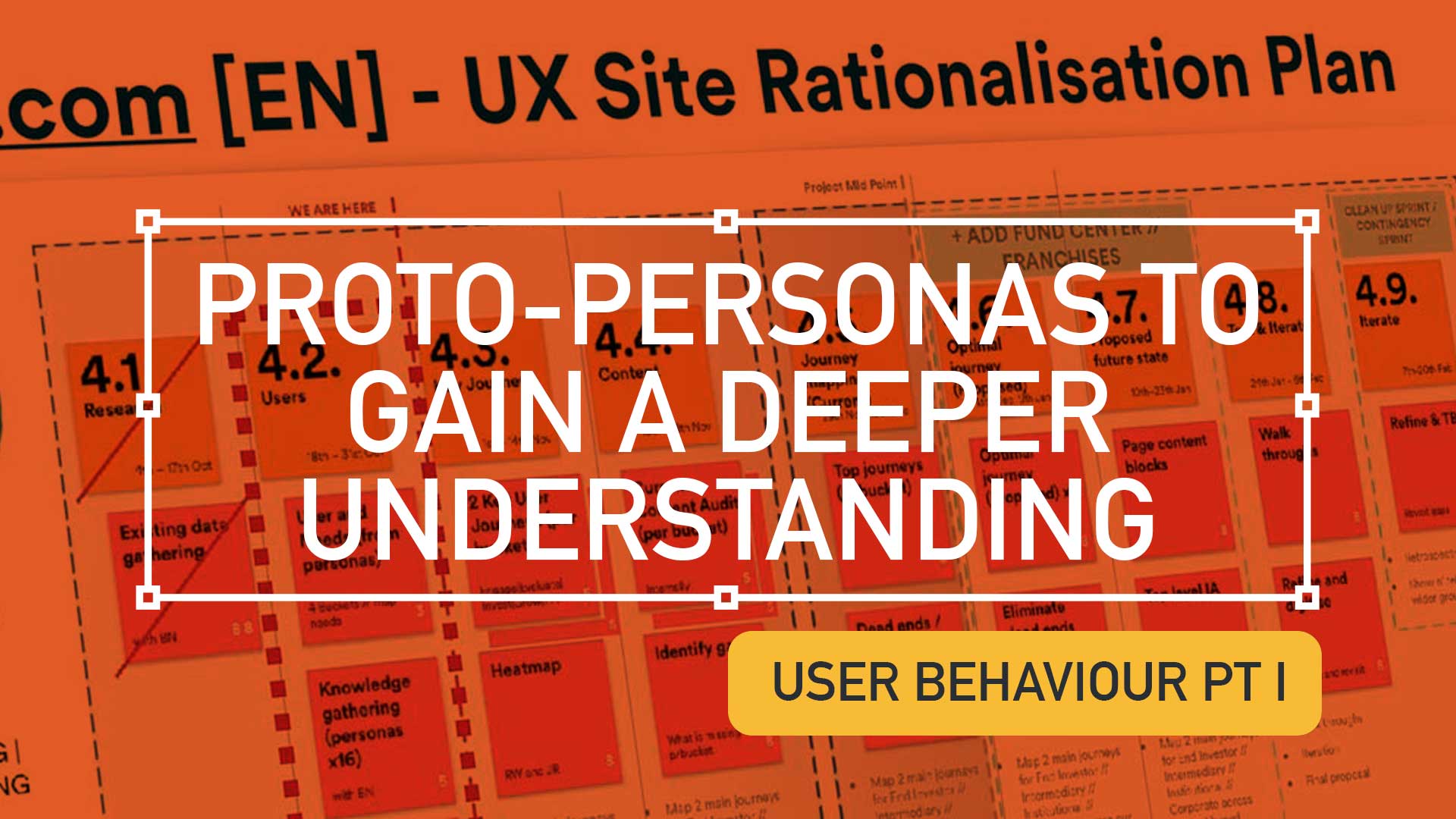
  • Using Experience Maps to plot your Customer Journeys

    Using Experience Maps to plot your Customer Journeys

    TLDR: Understanding your users through persona building and experience mapping helps uncover critical user needs across the customer lifecycle.

    This is a continuation from the article ‘Digging deeper to understand your users‘, I urge to read this to gain a better understanding on the UX process and concepts within this post.

    (more…)