Category: Logo Design

Logo design is an important area of graphic design, and one of the most difficult to perfect. The logo (ideogram), is the image embodying an organization. Because logos are meant to represent companies’ brands or corporate identities and foster their immediate customer recognition, it is counterproductive to frequently redesign logos.

  • Redefining Consent Mngt

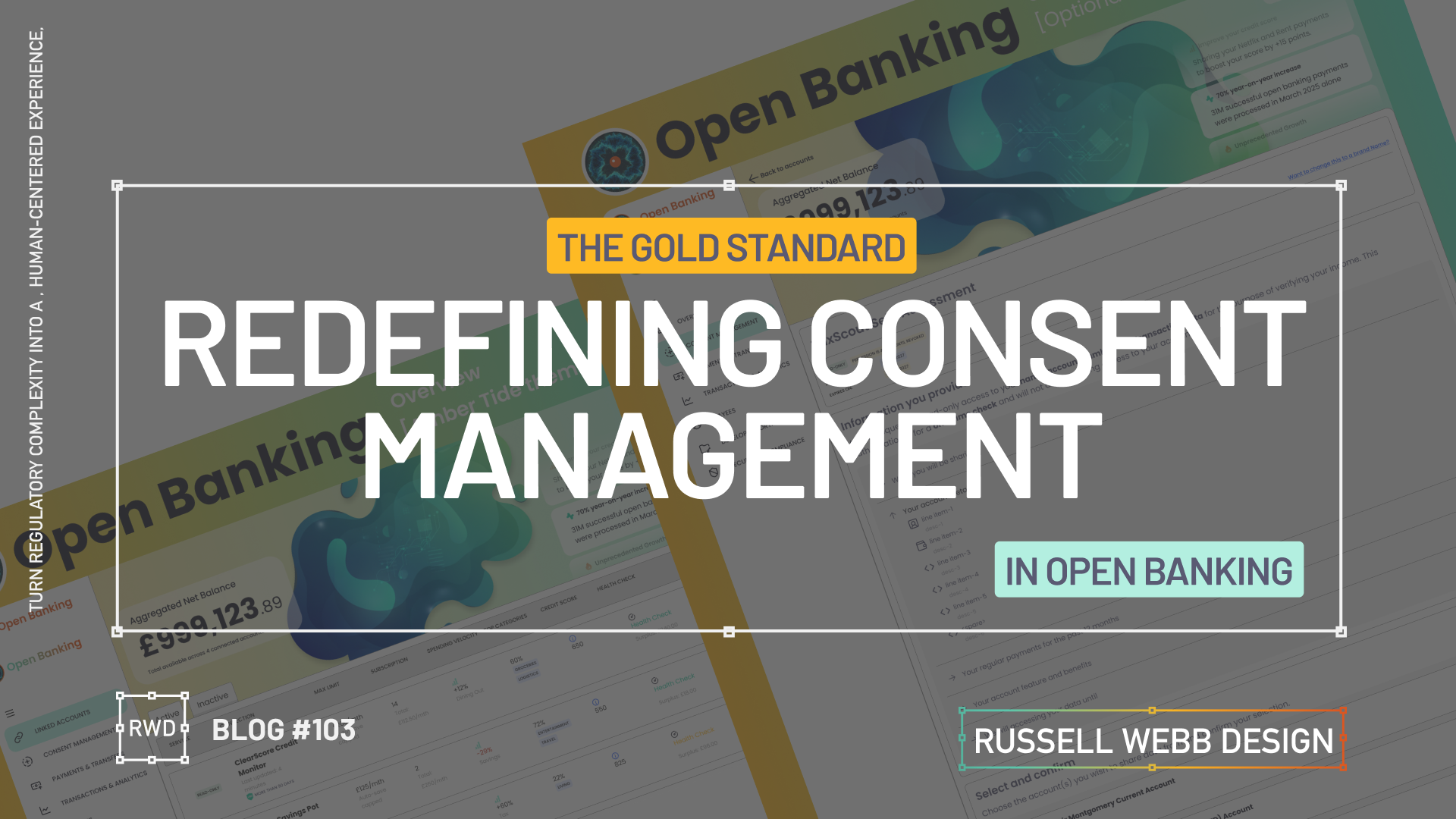
    Redefining Consent Mngt

    Turn regulatory complexity into a human-centered experience, showing enterprise-level strategic thinking across three touch points.

    The Challenge

    Section 1

    Dashboard UX

    Front End UI

    Back End Data Systems

    Take a cluttered data dump and re-org with applied IA principles to prioritise key metrics.

    Understand API constraints and latency through the developers eyes, ensuring the UI is designed gracefully while loading large datasets.

    Goal 

    Implement the Account Information Service Provider (AISP) flow for Open Banking on desktop. Provide users with aggregated financial insights within a complex data Dashboard from multiple sources.

    Secondary Goal: Demonstrate strong understanding of FE interactive design solutions for BE data systems.

    The Problem

    Open Banking consent is inherently complex and intimidating, leading to high drop-off rates and regulatory fines.

    Strategic Opportunity: Design a Consent Management Dashboard that not only meets legal requirements (i.e. PSD2, CMA) but also builds trust, by making the flow transparent and effortless.


    Business & User Goals

    User Success Metric: Allow users to manage their third-party connections with confidence and clarity.

    Gathering the principal players

    This case study hinges on transforming a fragmented jigsaw of data into cohesive, high-trust UX that fosters familiarity and security.

    UX Writing

    AI UX Designer

    Data Points

    Thinking entity to symbolise Open Banking

    This AI-UX designer employs the hybrid model:

    Human

    Journey designing, API and BE driven integrations, and user needs

    A simple AI prompt

    Create an abstract amorphous image, a ‘thinking’ entity for a financial dashboard using gradient blues and green

    Navigation

    An action-oriented, collapsible side nav needs to balance financial utilities (i.e. linked accounts and permission-driven consent) while managing who has access to what.

    To respect confidentiality agreements, the branding and specific naming have been modified. This product is currently live and serving 6k users

    Defining the Gold Standard Row Content

    API > Actionable

    Prompt; Nano Banana

    Shift the data from static information to high-trust insights. By balancing security indicators (timestamps, verified credit boost), the interface transforms complex Open Banking API calls into a true financial dashboard.

    To respect confidentiality agreements, the branding and specific naming have been modified. This product is currently live and serving 10K plus HNW users.

    Lessons Learnt & Outcomes

    Section 3

    DATA retention

    Human-readable insight

    The Just-in-Time Model

    Cognitive overload

    Data retention

    Revocation & Renewal

    The Takeaway: The “Off-Ramp” (revocation) is just as important for trust as the “On-Ramp” (onboarding). A Progressive Disclosure model for revoking permissions prevents information overload.

    • Outcome: A two-step confirmation modal for revocation.
    • Opportunity: Separating expired consents (< 90 days) from older data (> 90 days) could better inform users about long-term data retention policies.

    High-Trust UX

    Dashboard UX

    Security

    Using IA to instil trust

    The Takeaway: Consent shouldn’t feel like a legal hurdle. It should feel like a security feature. By moving away from a data dump to applied IA, the complexity of PSD2/CMA requirements is rebranded as a transparency benefit.

    • Outcome: Gold Standard Row Content model that translates technical API calls into human-readable insights.
    • Opportunity: Logical Chunking can reduces cognitive friction, adding a I do not recognise flow with Fraud warning capability goes that extra step.

    Component variants: Designing a data-rich responsive Figma table row and cell components with auto-layout should be set-up with component variants, giving the flexibility to swap in complementary formats for differing data points.

    Cell Design: For the ultimate flexibility, component cells should be stacked in a vertical AL column, set to (W) Fill.

    Outcomes

    The project proved that prioritising transparency and control in regulatory design is the highest leverage move. Focus on clear FE design, BE clarity, and the details (i.e. 90 day consents) to transform a legal requirement into a trust-building feature.

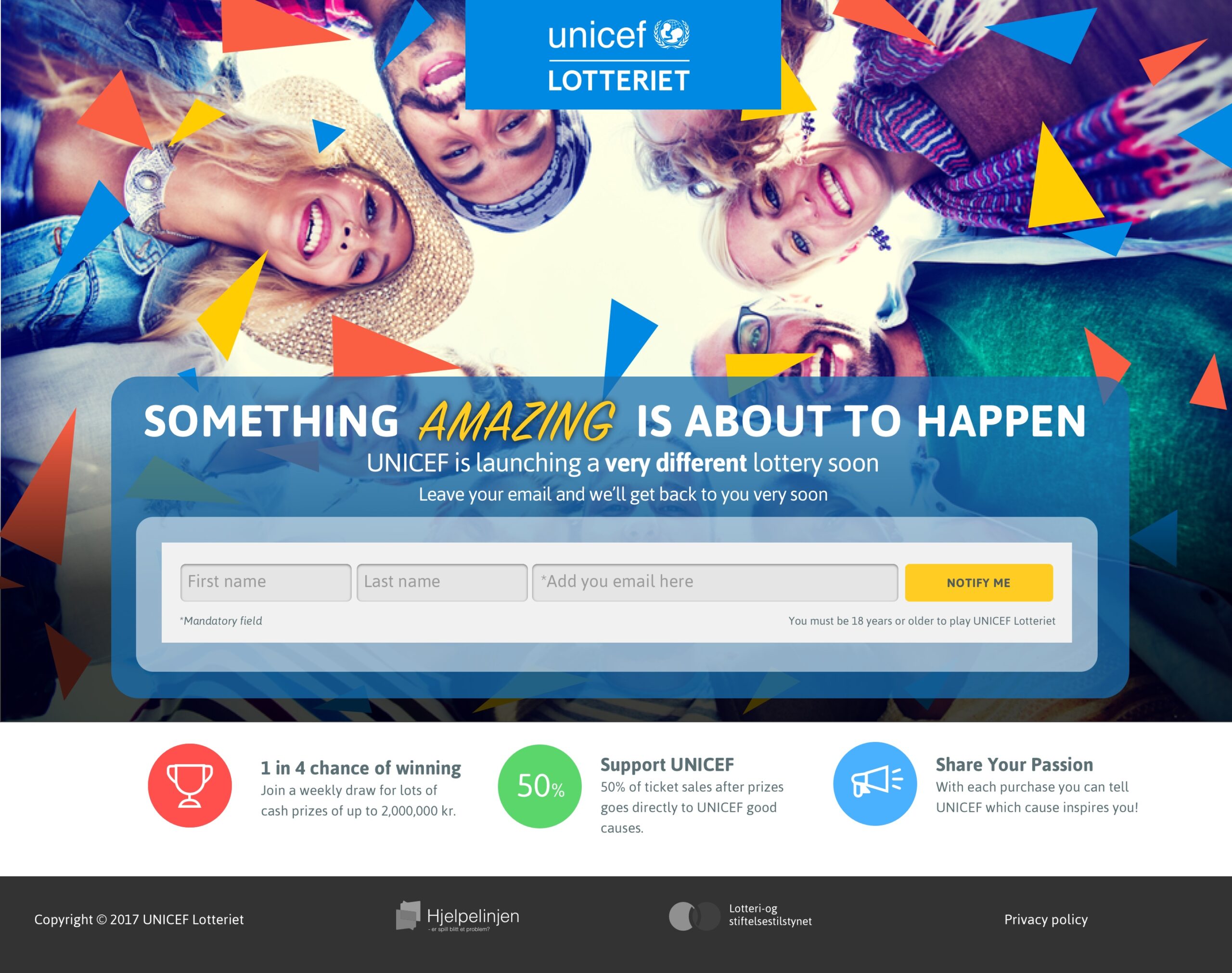
  • Digital. Social. Lottery.

    Digital. Social. Lottery.

    arget audience: Millennials who prioritise experiences over possessions.
    Innovation: Mobile-first web app emphasising social sharing, ‘good causes’ integration, and smooth number selection.
    Key features: Rapid number selection, seamless sharing, integrated charitable causes, user-friendly payment process, and engaging summary screen.

    Recently I have been leading a small team, driving UX innovation and engagement to significantly boost player acquisition and retention rates for a digital lottery provider. A mobile-first project designed for millennials, focusing on sharing, social impact, and a smooth user experience.

    My role involved pushing UX innovation and engagement to attract and retain players, while partnering with state lotteries and charitable organisations to build and enhance their digital lottery channels.

    Welcome to work of social lotteries!
    (more…)
  • How to launch a digital product using social channels

    How to launch a digital product using social channels

    TLDR: Fostering a close working relationships with your client and presenting with constructive feedback is crucial when building trust and is key to producing better work, especially when delivering across social channels.

    (more…)
  • Brand logo design in 5 steps

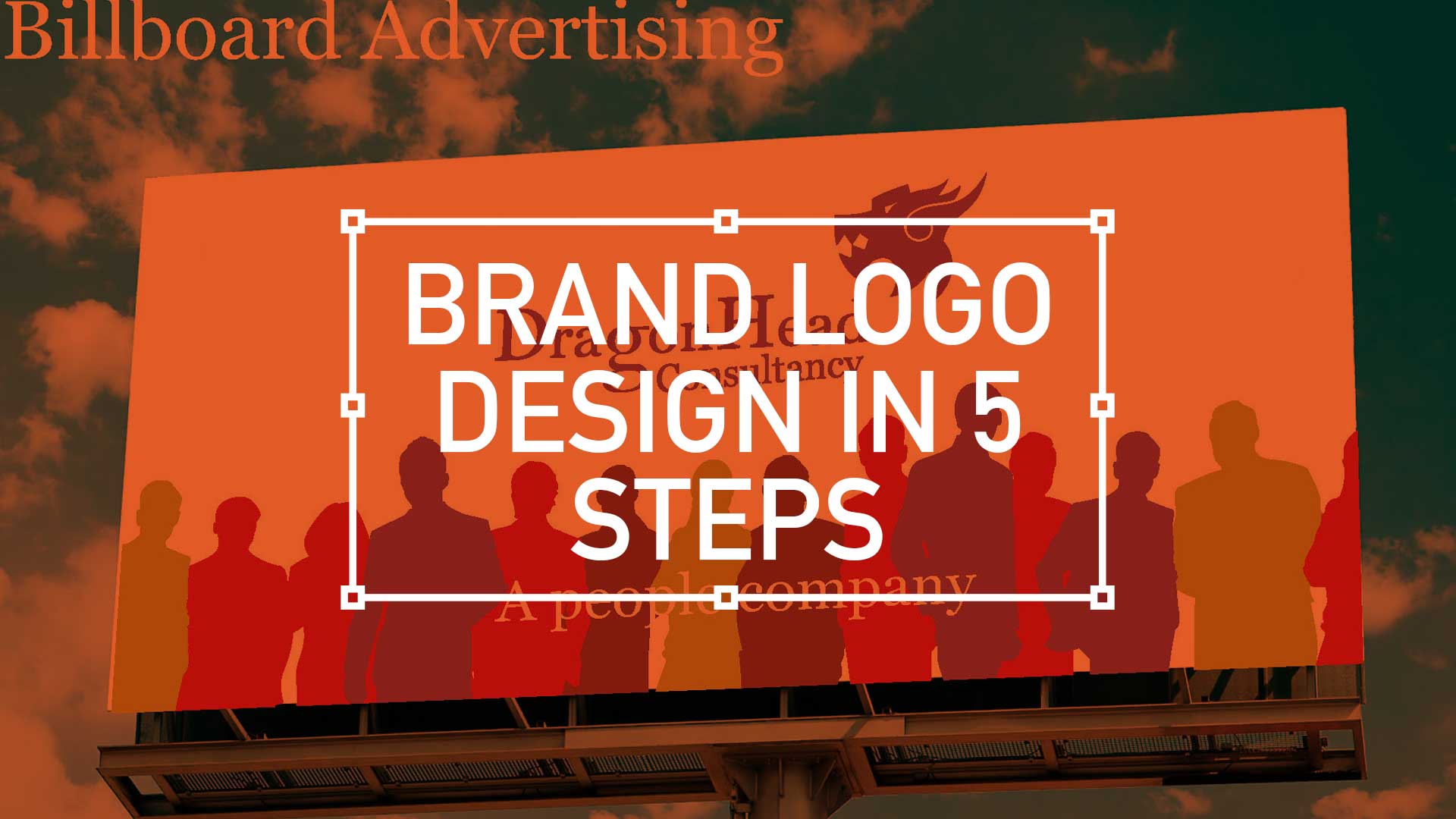
    Brand logo design in 5 steps

    TL;DR; The branding exercise showcasing a need for a standout, flexible, unique, and impactful logo marque. From sketching, client involvement, standardising the colour palette to finessing the design into a fully-fledged product.

    1. Lets get started with… R&D

    I have recently been involved in a branding exercise for a company that has over over 20 years experience in consultancy, project management and business analysis. This isn’t a new sphere of business, there is plenty of competition out there so a stand out logo marque that was…

    • Flexible
    • Unique
    • Impactful

    … was essential. So I presented a limited selection of ideas as I feel, after a certain amount of years, I’m qualified not to waste the client’s time presenting numerous options. This is a concept shared by the likes of David Airey on his site logodesignlove.com

    DAA_dragonheadConsultancy-BrandMarque_Page_04
    (more…)
  • 10 considerations when designing for mobile

    This is the first 10 steps to take your mobile design skills to the next level

     Watch the animated version here

    10 Considerations For Mobile DesignWhen designing for the desktop you can consider the end-user environment, when designing for print you can picture where the magazine will be read but when design for mobile the end-user scenarios are so varied and so far ranging that todays savvy mobile designer needs to develop an entirely different skill set.

    Mobile Meet Up - Glassblowers in London's SohoThis is the edited version of a presentation I gave at Mobile Meet Up on Tues 27th Sept about ‘10 key considerations when designing for mobile.  I must stress this doesn’t mean there are only 10, in fact it’s the opposite, there are many more considerations. But here are my top 10:

    1. Real Estate


    10 key considerations when designing for mobile

    Whether you coming from a desktop background or from advertising the canvas size you have to pay with is drastically reduced on the mobile environment.

    Over the years the relative screen size difference has increased. The difference between the smallest (128 x 128) and the largest (800 x 480) is now a factor of 23. That means the largest screen is 23 times bigger than the smallest one.

    2. Design with distraction front-of-mind


    10 key considerations when designing for mobile
    (more…)