
Tag: user
-
Part II – Designing a Secure Document Repository; Case Study 2019
Second case study post on how I designed a secure repository for large bank. Here I focus on ‘My UCD Design Process’ and ‘Future Vision’ and ‘Design Systems’
-
Part I – Designing a Secure Document Repository
In the summer I was the lead UX designer in a time-boxed 3-month service integration project – This is how I did it
-
How to run on-site UX Workshops and make them both valuable and fun
Recently I lead a Design Thinking off-site 3-Day UX workshops to launch the discovery phase of a new product for one of if not the largest financial news organisations in the world. I’d like to share with you how I did it and lessons learnt.
-
Using Experience Maps to plot your Customer Journeys
Following the article linked above to users and proto-personas, you should now really begin to understand the who, what and why of your users. That understanding should lead to some common themes that have organically risen to the service .
-
How user personas can help crystallise the early stage design process
TL;DR; A large automotive client wanted to improve their dealer portal but the client needed guidance on understanding their audience’s needs and wants. Personas generation is a great to focus the team’s expectations and contributes to a better product and service. Contents B2B UX Case Study – Automotive Dealer Portal I was recently asked to provide…
-
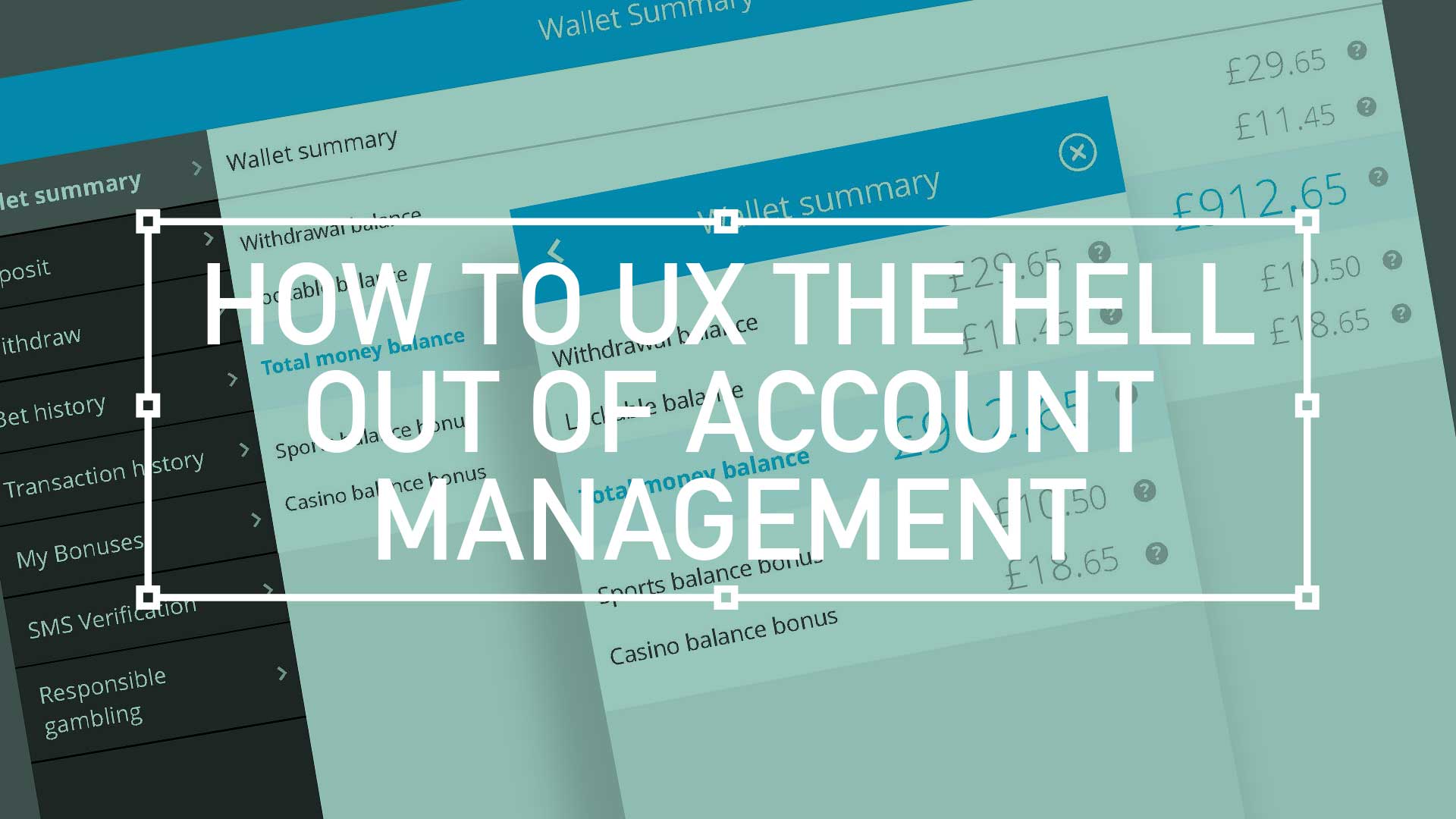
How to UX the hell out of Account Management
Good design is easy to digest—the brain shouldn’t have to expend a ton of energy to figure out what the heck it’s looking at. With any luck, people will just “get it” without needing a 6-section explanation.