Tag: data

  • Real-World Messiness of Product Design

    Real-World Messiness of Product Design

    The commercial mindset of a UX designer ensures outputs aren’t just blue-sky, but shippable. Here I demonstrate how complexity is a daily occurrence, how a proven track record in parallel industries handling multi-layered data and regulatory standards can translate.

    With 15+ yrs exp. I showcase technical fluency with Design Systems, with developer handovers, and platform-specific patterns. Lets dive in…>

    What I personally designed

    To respect confidentiality agreements, the branding and specific naming have been modified. This product is currently live and serving 6k users

    A Portfolio of Reality

    messy

    unclear

    complex Problems

    constraints

    Post release updates

    While defining a real-world business problem, I was able to use UX tools to uncover pain points to inform an initiative UX wireframe flow that in turn, informed the final UI.

    🚀 From Discovery to Design and Solution

    01 Problem Statement: Create a user-friendly and simplified mobile journey that helps seniors mitigate their fraud anxiety, meet financial regulatory standards and ultimately manage their finances i.e. improve their financial wellness.

    This was further expanded with the study into;

    • Low-anxiety mobile payment – Seniors face challenges with mobile payments due to fear of fraud, cognitive load, and digital literacy. Designing a system that addresses these concerns while maintaining security is crucial.
    • Business problem | Design challenge – The challenge is balancing a simplified flow with a robust, secure multi-step flow to mitigate fraud anxiety and meet industry standards.

    02 Segmentation: Identify distinct segments within the aging parent demographic. Target a segment that can most benefit from the UK Payment process. Accessibility, personalisation, security, and financial wellness are key considerations.

    03 Research & Strategy: Use quantitative data with qualitative insights to inform a Customer Journey Map. Visualise the financial and emotional challenges faced by each segment, across a given scenario.

    I prioritised accessibility and task-oriented patterns. Personalised guidance, and minimising cognitive load were also key considerations..

    04 Wire framing Design Decisions: Making trade-offs and delivering a justified UX solution. Simplified to the “What”, the “Who” and “How Much” before a final check then execution. I limited one screen to have one single, clear primary action. Components were dual functioning for  Existing Beneficiary and New Beneficiary reducing two mini journeys to one.

    05 Conclusion & Outcomes: How my decision’s successfully translate a complex real-world business problem into an initiative UX wireframe and Final UI flow.

    Key highlight

    • Key stakeholders audience established 2-months before proposed Sprint through workshopping and client relationships.
    • Pain points highlighted early, including CoP, Secondary payment reference and scope (i.e Feed and FX was descoped)
    • Cross platform UX and UI for Alpha release delivered and demo’d in 3-months
    • Developer and BA handover, Design System integration scheduled early for estimation and to provide clarity
    • Design System integrated and UX Copy Check signed-off
    • No deadlines missed 🙂

    Engineering Constraints and Design Trade-offs

    engineering constraints

    Technical realities

    trade-offs

    final outcome

    International Payments

    International payments is a complex animal. There is a fine line between delivering pixel-perfect cross-platform consistent UI and balancing that against commercial and technician reality. Recently I was in Bug Triage to get this sophisticated and geographically dependent piece of functionality across the line. Lets dive-in ->

    SWIFT/BIC, when connected to an API returns a Bank name, think of it as a post code. While the end-user has the ability to edit this code for new payees, they cannot edit the bank name [engineering constraint]. For a more harmonise UX, new and existing payees should be displayed in a consistent and non-jarring format. So I made the decision to use input fields throughout, in various states.

    My design then changes From > To :

    AI generated: For NDA reasons, I have fast-tracked these Input Fields to rapidly visualise these engineering constraints.

    The Trade-Off

    This manifested itself from an arguably more elegant From execution, to the multi-platform but feature parity To solution following both a trade-off contributing to a non-jarring, smoother, and Input field led consistency experience.

    To give context, this attention to detail was part of a much wider delivery. For NDA reasons, the forms in its full extent (1 of 3), have been altered.

    To respect confidentiality agreements, the branding and specific naming have been modified. This product is currently live and serving 6k users

    The Data-Informed Designer

    Design intuition

    qualitative or quantitative signals

    Post launch

    Retrospective improvments

    How I value results just as much as pixels.

    Dashboard UX to business UI

    Catering for demanding clients requesting instant advice, competitive quotes and investment strategies requires tailored tools, especially within a sensitive client-data environment – Welcome to the a Customer Meeting App Dashboard

    Through team interviews, ad-hoc surveys and gorilla research I defined three “must-have” features early on, so pre-launch the business needs and UX goals were transparent;

    1. Single point of access for disparate data – Five-second insight
    2. Broad overview with drill-down capabilities – Inverted pyramid
    3. Fill other process gaps easier and faster – Champion the brand | DS achievability

    Problem and Opportunity

    The existing offering had become redundant. Integrating data from third-party repositories was a priority, to achieve an improved user journey. This presented an opportunity to re-imagine the complete ‘Create a Customer Meeting’ user journey.

    There was another further top-level requirement; Funding.

    People management point: When competent business executives are supported by UX leaders who articulate good design, bridging the gap between vision and execution, this can build confidence across the entire team to get product delivery across the line.

    See: Career Growth within Design Teams

    Reimagining Client Meetings

    Step 1

    Start with the user needs

    Streamlining the preparation of a meeting, and principally future proofing the Create a Meeting process with a scalable UI that can seamlessly integrate new data repositories, ensuring long-term flexibility.

    Step 2

    Segment in to ‘zones’

    The on-screen real estate delivers a quick look experience prioritising top from bottom.

    Step 3

    Test and Challenge through Prototyping

    Visualising up to 12 users’ journeys leads to better understanding and smoother development. Boxed development will not impact working code.

    Early sketches reveal the potential of a dashboard, emphasising hierarchy through top-down, LTR user scanning patterns, pushing a hierarchical arrangement that guides the user’s eye. Data is prioritised with glance-access to preview Meeting Name top-of-mind expanding and collapsing information depending what is scope. 

    A conceptual dashboard with multiple layers

    The final solution solved both the scalability problem, providing easy access to account numbers, the ability to add other account numbers, visibility on the meeting date and time, and the meeting status and who is the meeting organiser. Complete transparency on meeting detail, including location, meeting language and notes format with extra features like Meeting Packs.

    And the results speak for themselves
    190 offices | Growth from 8% to 56% | 1.5 years

    Quantitative Signals

    The quantitative metric as a single-source-of-truth of unifying insights speak volumes: 56% iPad growth in just 1.5 years over 100K client meetings in 40 countries with approximately half of their approx 85 offices in western Europe,

    From business problem to an Enterprise-level, real-time data dashboard from multiple sources, instantly accessed, no more hunting.

    Qualitative Design Trade-Offs

    On reflection post launch, one key factor in the development (and acceptance) of this new radical design was achievability. Funding is also a key developmental constraint so designing with business realities is key. This inevitably constrains blue-sky thinking, a real change outside of budget and possibly a missed opportunity was to re-pitch this design for responsively iPad (landscape and portrait) or to expand on the ‘mini’ and  ‘maxi’ concept from full disclosure down to dashboard snippets. Maybe in Phase 2!

    Career Growth within Design Teams

    How to hook new customers

    Ambiguity

    Ownership

    Resourcefulness

    When customers make a product selection there is a lot going on behind the scenes. Desktop new product onboarding carries a lot of functional weight, it is a prime candidate to wireframe. Capturing a large selection of unique steps requires enterprise-level wire framing skills.

    Defining the Problem

    Imagine a new or existing customer discovering your product. The onboarding process can often feel like a daunting maze. This is where detailed wireframes step-up, transforming a journey into a smooth, secure and clear experience. Early decisions were made to leverage a pre-existing Design System. High fidelity wireframes became the way forward with Figma as the wire-framing tool of choice. 

    Onboarding Flow & Development Preparation

    Process flow diagrams were thin on the ground, little research was available and there was a lot of ambiguity. This was an opportunity! I took it on myself to deeply understand how personal details were collected, how email and SMS validation data flows worked, understand business goals and success metrics, so the technical team can move forward. This was a calculated risk!

    Segmenting the UX Wire-framing Process

    1 – Guiding the First Steps

    Personal details

    Pre-registration

    The process begins the moment a product ID is entered as the customer clicks a product. These wireframes propose a gentle walk-through, hand-holding the customer and setting clear expectations. As personal details are collected, the system identifies pre-registrations, streamlining the experience. For unrecognised products, the UI gracefully handles the situation, preventing frustration.

    2 – Building Trust and Security

    KYC process

    Tax jurisdiction

    GDPR

    IDV

    Next, the validation screen requests a unique member ID, followed by a secure OTP process. This includes both email and mobile verification, paving the way for a robust KYC process.

    The customer identifies their tax jurisdiction, providing identification proof, as part of a seamless IDV (Identity Verification) experience. To ensure compliance with regional regulations, the system also gathers marketing and accessibility permissions, adhering to GDPR guidelines.

    3 – Personalisation Meets Regulation

    Investment pledge

    NI (UK)

    This joined-up onboarding process seamlessly transitions the customer from initial product selection to specifying their investment pledge.  Furthermore, their National Insurance ID is verified, ensuring 360˚ compliance.

    4 – A Smooth Conclusion

    Confirm Message

    Next steps

    UAT Testing

    Prototyping

    Finally, once all data is collected, it’s securely transmitted to the BE. The FE then provides clear messaging, confirming a successful onboarding experience. This leaves the customer feeling confident and ready for next steps. Wires were shared for feedback across the team, including stakeholder, technical leads and PO’s.

    Fine tune the results

    Sneak preview of the final delivered User Interface (UI)

    The process is still fresh, typically next steps are Usability Testing and Heuristic Evaluation. Prototyping, with QAs on standby, is another option to verify and test stakeholder feedback.

    Conclusion and Impact

    Ambiguity

    Clarity

    These wireframes don’t just showcase a process; they tell a simple story of a complex customer experience.

    By prioritising clarity (onboarding steps) and security (verification and OTP) this onboarding journey fosters trust and loyalty from the very first click.

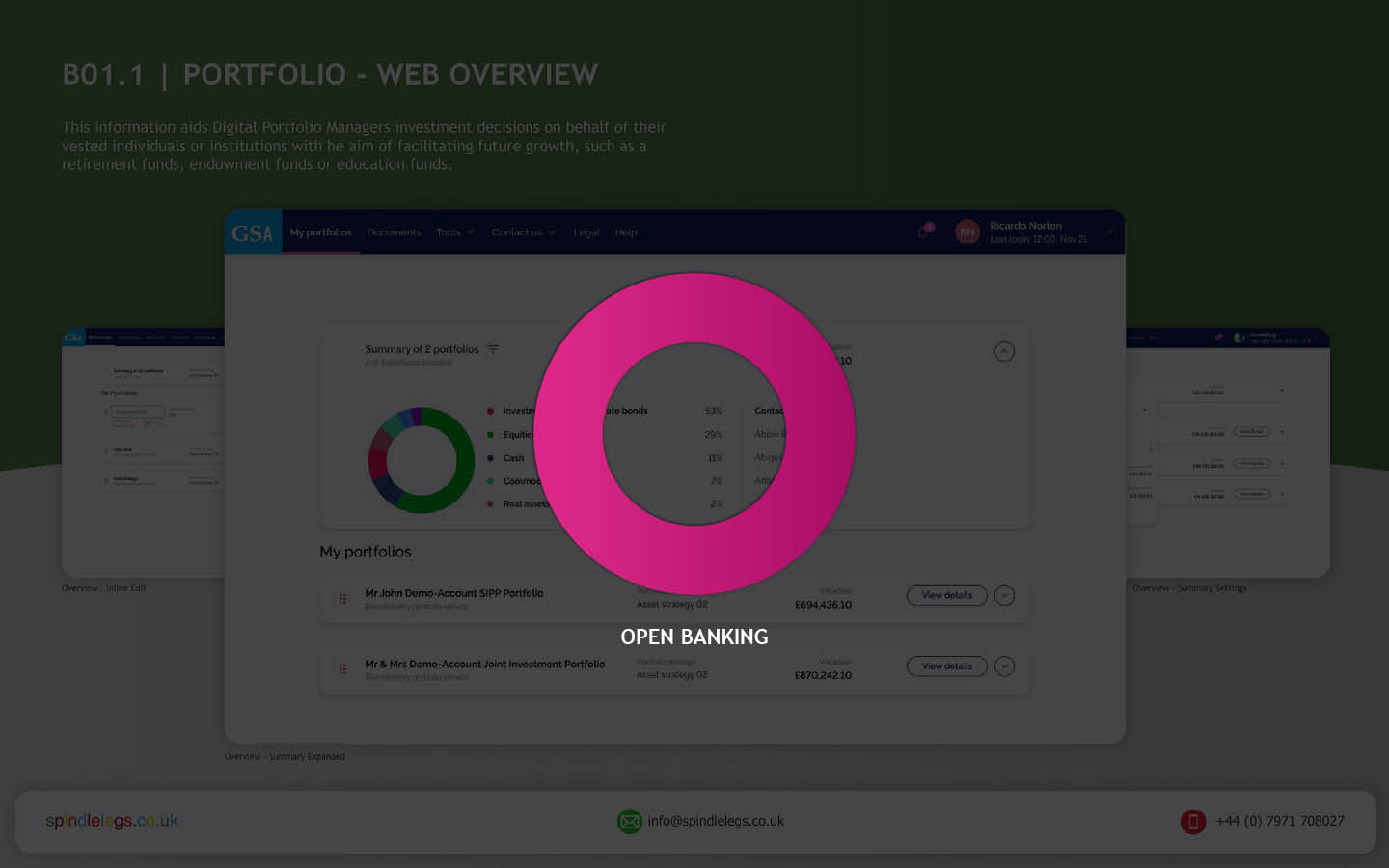
  • What is the role of open banking in the super app evolution?

    What is the role of open banking in the super app evolution?

    TL;DR Open Banking unlocks a future where financial apps become indispensable partners. A power-shift to more convenience, better financial education and meaningful relationships. Read on to see What’s next in this new ecosystem?


    Hard Skills:

    Journey Mapping

    Research

    Visual Design

    Soft Skills:

    Empathy

    Collaboration

    Critical Thinking

    Full List →


    What is Open Banking

    The role of open banking in the super app evolution is enormous, it is essential for creating a smoother user experience. Open banking is the core technology that allows these apps to draw financial data from multiple sources (APIs) and design products and services that speak to the needs and wants of the end-user.

    Open Banking helps super-apps with:

    • Personalisation: Gathering data to enhance recommendations, habits and trends based on the user’s behaviour.
    • Centralisation: One app to rule-them-all, one roof and one umbrella. No need to switch apps to switch functionality (i.e.make payments, check portfolio performance, monitor transactions, etc).
    • Open finance: Super apps and open banking are foundational pieces in the financial ecosystem jigsaw – mortgages, savings, pensions, insurance and credit, can all talk to each other.

    Super app benefits for wealth management

    The end-user now enjoys luxuries that a few decades ago would seem unimaginable. Wealth Management (WM) was dated and rigid, Financial Institute in pole position, controlling the action. The birth of the super app has tipped the balance of power to the investor, putting them in charge of their finances.

    Convenience

    The super app has evolved to give the consumer (and investment professionals) a one-stop shop for all their finances. Investors used to jump from website to website and from platform to app to check transactions, transfer money, pay bills, etc. Now within is single-pane-of-glass, user control their financial world.

    Smarter decisions

    Phone a banker, broker or accountant to see how their money is affected by fragmented financial knowledge; Financial decisions needed the experts.

    • Did the expert always have your best interest at heart?
    • How close and personal was that relationship with these experts to trust their recommendations
    • How transparent were they?

    The super app brought an dispassionate, clean, and precise approach to financial decision-making. It has trimmed-the-fat off the process, presenting users with the best viable option.

    Enter the financial super app

    A super app alleviates financial institutions from transaction processing, compiling data, building risk profiles and other traditional banking functions. It allows banking institutions to focus on building meaningful relationships with investors.

    It centralises their attention and indirectly allows Portfolio Managers to tailor their campaigns for new products and services. Relationship Managers now know where their audience is; all they have to do is put the right thing in front of them.

    From viewing fund performances to the allocation of assets, to understanding these assets positions, to what transactions have been actioned and reviewing portfolio valuation.

    The future for financial super apps?

    Data management

    Third parties, organisations and fintech companies need to understand

    • Where the data is coming from
    • How they store it
    • How they use it

    This is the way to build bulletproof information flows.

    AI-driven Financial Coaching

    Artificial intelligence in money management apps process data quickly and efficiently. By monitoring financial behaviour, AI can assist users in maintaining smart savings, refinancing, achieving financial goals, and even more*.

    *With approval, of course

    Get in touch

    Want more?

    Discover how FI’s can can offer all clients personalised advice, how UX can help investment firms stay relevant in our neobank world and how to build a *Financial Super App – One click at a time.

    *NDA Case Study Walk-Thru

    It truly is, a Brave New World!

    RussellWebbDesign: Get your fill of UX trends, case studies and best practice
  • Part II – Designing a Secure Document Repository; Case Study 2019

    Part II – Designing a Secure Document Repository; Case Study 2019

    TLDR; Last month I posted Part I of how I designed a service integration project within the suit of financial apps for a large international retail bank and asset manager. Part II focuses on ‘My UCD Design Process’ and ‘Future Vision’ and ‘Design Systems’

    (more…)
  • Part I – Designing a Secure Document Repository

    Part I – Designing a Secure Document Repository

    TLDR; In the summer I was the lead UX designer in a time-boxed 3-month service integration project. Internally future-vision looked to position this product as the hero application within the suit of financial apps and services available at this large international retail bank and the worlds largest asset manager. This data integration would potentially push it front-of-stage.

    Read more