Category: Freebies

Selection free downloads to enliven the design community out there

  • 10 considerations when designing for mobile

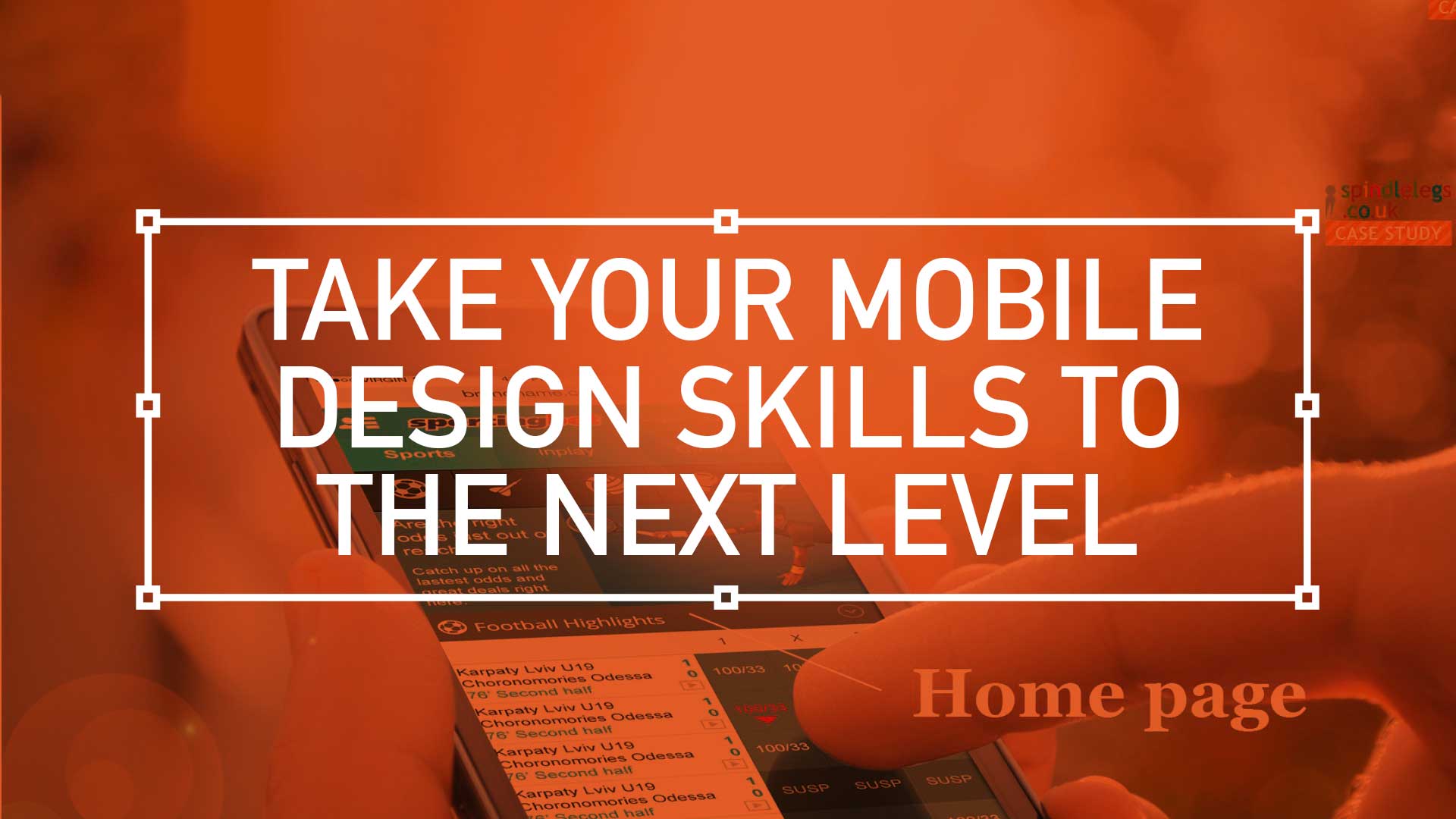
    This is the first 10 steps to take your mobile design skills to the next level

     Watch the animated version here

    10 Considerations For Mobile DesignWhen designing for the desktop you can consider the end-user environment, when designing for print you can picture where the magazine will be read but when design for mobile the end-user scenarios are so varied and so far ranging that todays savvy mobile designer needs to develop an entirely different skill set.

    Mobile Meet Up - Glassblowers in London's SohoThis is the edited version of a presentation I gave at Mobile Meet Up on Tues 27th Sept about ‘10 key considerations when designing for mobile.  I must stress this doesn’t mean there are only 10, in fact it’s the opposite, there are many more considerations. But here are my top 10:

    1. Real Estate


    10 key considerations when designing for mobile

    Whether you coming from a desktop background or from advertising the canvas size you have to pay with is drastically reduced on the mobile environment.

    Over the years the relative screen size difference has increased. The difference between the smallest (128 x 128) and the largest (800 x 480) is now a factor of 23. That means the largest screen is 23 times bigger than the smallest one.

    2. Design with distraction front-of-mind


    10 key considerations when designing for mobile
    (more…)
  • Mobile best practice for registration – Put the users needs before technology

    User Registration on Mobile

    Watch the videoWatch the animated version here

    I have recently been involved in both high-level concept generation through to territory specific text changes in the exiting world of User Registration. These are my top 5 tips to help you streamline your process or find some inspiration.

    1. Do not turn-off your client

    Very early on you begin to realise that you, as a UX designer answering to Business and shakeholders alike, should avoid providing a dry and labour-intensive solution to what is a tedious process. This will inevitable put off, or turn off, potential new customers from the start. So, as they walk through your virtual door, try to present a broken-down and achievable process where they can see the light at the end of the tunnel. Don’t forget : Break your offer into bite-sized chunks

    Regulations possibly dictate that your customers will need to supply certain information. If so, have them supply that information up-front. That way you, as a caring and customer-centric company can temporally capture that info and call them back should they drop-off. Then you can ask ‘Is everything allright? Can we help you further with your registration?”

    (more…)

  • Design Trends For Mobile – Part 6: Location, Location, Location

    Design Trends for Mobile

    Download hereDesign Trends For Mobile – Part 6 – Location.pdf

    Design Trends in Mobile

    After only a few years the mobile landscape has generated a selection of trends and UX that have now become best practice in mobile design and an essential skill-set for the experienced UI designer. And as a UX designer you should be aware of these experiences and how best to incorporate them into your design decisions.

    Location, location, location

    Not only discovering the nearest banking cash machine or the whereabouts of a friend or employee, location services can include parcel and vehicle tracking,  mobile commerce when taking the form of coupons or advertising directed at customers based on their current location. They include personalised weather services and even location-based games. They are an example of telecommunication convergence.

    By 2010, location-based services power Mobile Local Search to enable the search and discovery of persons, places, and things within an identifiable space defined by distinct parameters. These parameters are evolving. Today they include social networks, individuals, cities, neighborhoods, landmarks, and actions that are relevant to the searcher’s past, current, and future location.

    Download hereDesign Trends For Mobile – Part 6 – Location.pdf

    info@russellwebbdesign.co.uk

    This is part of a 12 point examination of broad design principles russellwebbdesign generated for the design community. Please contact us further to discuss if your brand (ot it’s design) can really wants to benefit from effective communication and good graphic design: info@russellwebbdesign.co.uk

    If this, or any other post has peaked your interest, please leave your comments below

  • Design Trends For Mobile – Part 5: Minimise The Taps

    Design Trends For Mobile - Part 5 _ Minimise The Taps

    Download hereDesign Trends For Mobile – Part 5 – Minimise The Taps.pdf

    Design Trends in Mobile

    This is the 5th part in a series of trends that I have wit­nessed in the design world.  When designing, design for short bursts of activity similar to how people use phones across the board—in short bursts of activity. Users probably won’t sit for an hours going through your masterpiece, they will take bite-sized chunks and digest it at their will. These trends and UX have now become best prac­tice in mobile design and an essen­tial skill-set for the experienced UI designer.

    It’s best to minimise your grand concepts to a simple set of options that gets the job done.

    Less functionality = Simple user interface = Easily perceived and understood

    DesignTrendsForMobile-Part5_MinimiseTheTaps

    Minimise The Taps

    Limit your options and lead users through a series of simple choices, limiting options to 5-7 big links at any stage. Effectively holding the users hand and guiding them through is a specialism that all UX designers need to master.

    Download hereDesign Trends For Mobile – Part 5 – Minimise The Taps.pdf

    info@russellwebbdesign.co.uk

    This is but part of an examination of broad design principles russellwebbdesign generated for the design community. Please contact us further to discuss if your brand (or it’s design) can really wants to benefit from effective communication and good graphic design: info@russellwebbdesign.co.uk

    If this, or any other post has peaked your interest, please leave your comments below

  • Design Trends For Mobile – Part 4: Interactive Feedback

    Download hereDesign Trends For Mobile – Part 4 – Interactive Feedback.pdf

    Design Trends in Mobile

    This is the 4th part in a series of trends that I have wit­nessed in the design world. These trends and UX have now become best prac­tice in mobile design and an essen­tial skill-set for the experienced UI designer.

    Interactive Feedback

    Provide obvious feedback for any action. Actions which take a long time to load need an indication that something is in progress. For each process, include loading states to provide the user with a timeline. This type of visual feedback is familiar to most users and you’d be wise to take advantage of it.

    Basecamp Mobile does a great job of this by showing a spinning loading gif as it loads the next page. Remember, the desktop browsers have various indicators built-in to show that something is in progress. Mobile browsers don’t make it as obvious, so it’s important to build visual feedback into your mobile site and/or app design.

    Download hereDesign Trends For Mobile – Part 4 – Interactive Feedback.pdf

    info@russellwebbdesign.co.uk

    This is but part of an examination of broad design principles russellwebbdesign generated for the design community. Please contact us further to discuss if your brand (ot it’s design) can really wants to benefit from effective communication and good graphic design: info@russellwebbdesign.co.uk

    If this, or any other post has peaked your interest, please leave your comments below