
Category: Design Strategy
Shaping the success of organisations by bridging the gap between design and business, Design Strategy fosters a user-centric approach, a framework for aligning design decisions to ensuring that design efforts are focused on creating value for stakeholders.
-

Developing a Design Process
Redesigning a unique bid auction site: From concept to creation, the goal was to build a competitive platform with a modern aesthetics, seamless navigation and from a mobile-first mindset
-
Marketing your App through the channels
How to marketing a brand new digital product This is the challenging part of any marketing brief. You can target your Digital Tribes, whether they be Early Adopters or true Laggards, one sure-fire way is through traditional streams. Using traditional media is a concrete method of new product promotion and should not ignored. Remember: Print is NOT dead. Building…
-
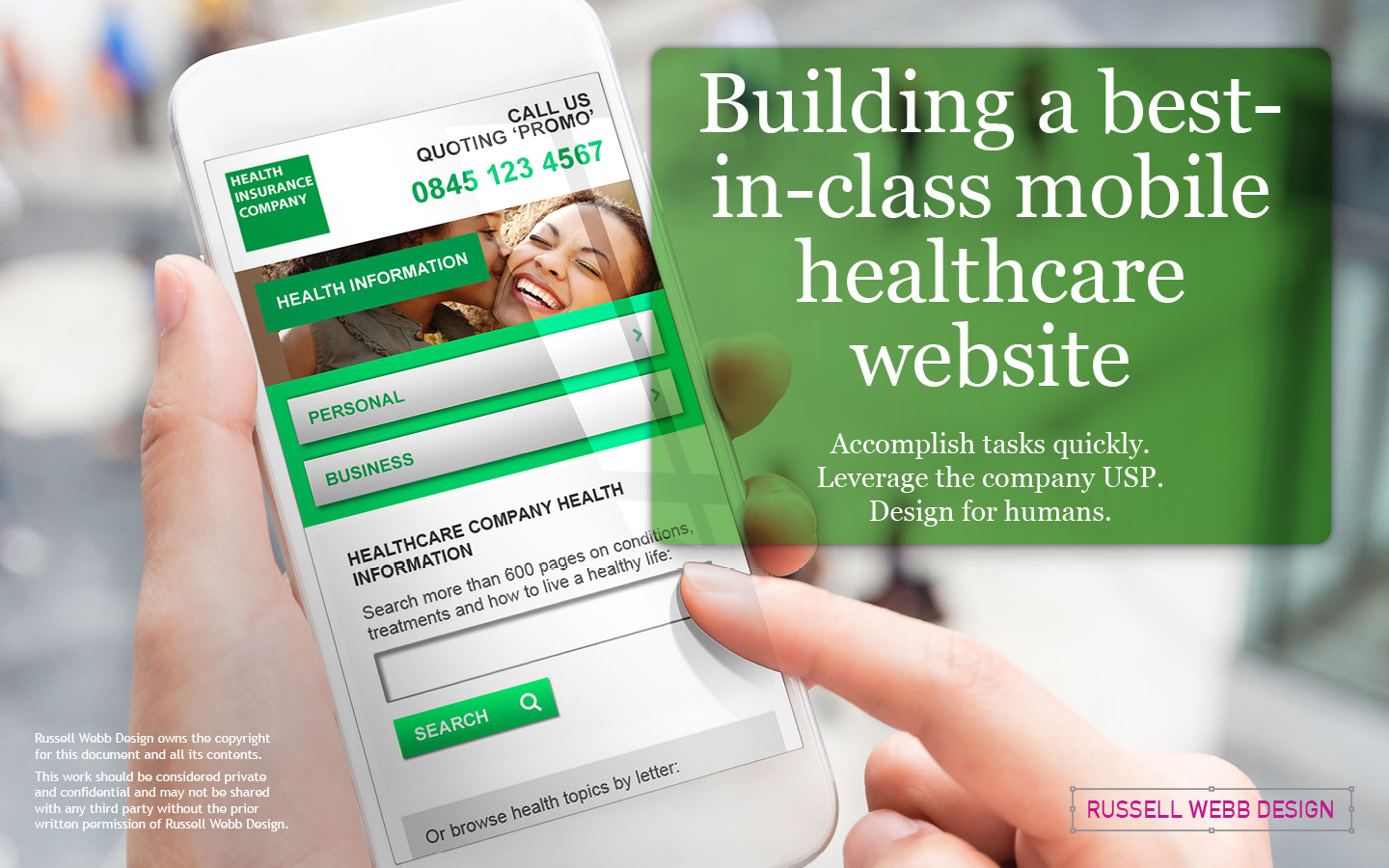
Design and create a ‘best-in-class’ mobile web site
The process of designing a mobile-only website for a leading healthcare company, focusing on task efficiency and leveraging the company’s unique selling proposition (USP) of a world-class medical health database. With insights into stakeholder management, design principles, navigation strategies, typography tips, and conclusions on prioritising the human experience over internal politics.
-
How to push your users to download your app
Watch the video here Provide a mobile web experience that makes you want more. This is the dilemma. You have the resources, you have the idea but the richer and more immersive experience is inside your app, not your mobile web site. How do you push your user to download it? Download, download, download Providing…
-
Protected: ‘Cloud Service’ Design and UI – from sketchbook to wireframe to branding
There is no excerpt because this is a protected post.
-
Protected: icanhaveit.com – Site Evolution to Revolution
There is no excerpt because this is a protected post.