This is the first 12 steps to take your mobile design skills to the next level
Packed with Design Tips
This years edition is crammed full of the most inspirational and can do mobile design tips. Whether it be common sense or insider knowledge, this calendar is sure to inspire and teach you each and every day for the year in front of you.
Format
Planner Size Closed 210mm x 297mm
Full colour with Georgia, Handwriting Dakota and Gotham typeface
Available in in limited edition print of PDF download
2012 Mobile Design Tips
Mobile design is what YOU make it
The future of mobile design is what you make it. It can said it’s made up of more than 12 things. In fact, it’s all of these things so please get back to me with your Top 12 for mobile design.
This is but part of a selection of design resources russellwebbdesign generated for the mobile space out there. Please contact us further to discuss if your brand really wants to benefit from this new immersive experience here: info@russellwebbdesign.co.uk
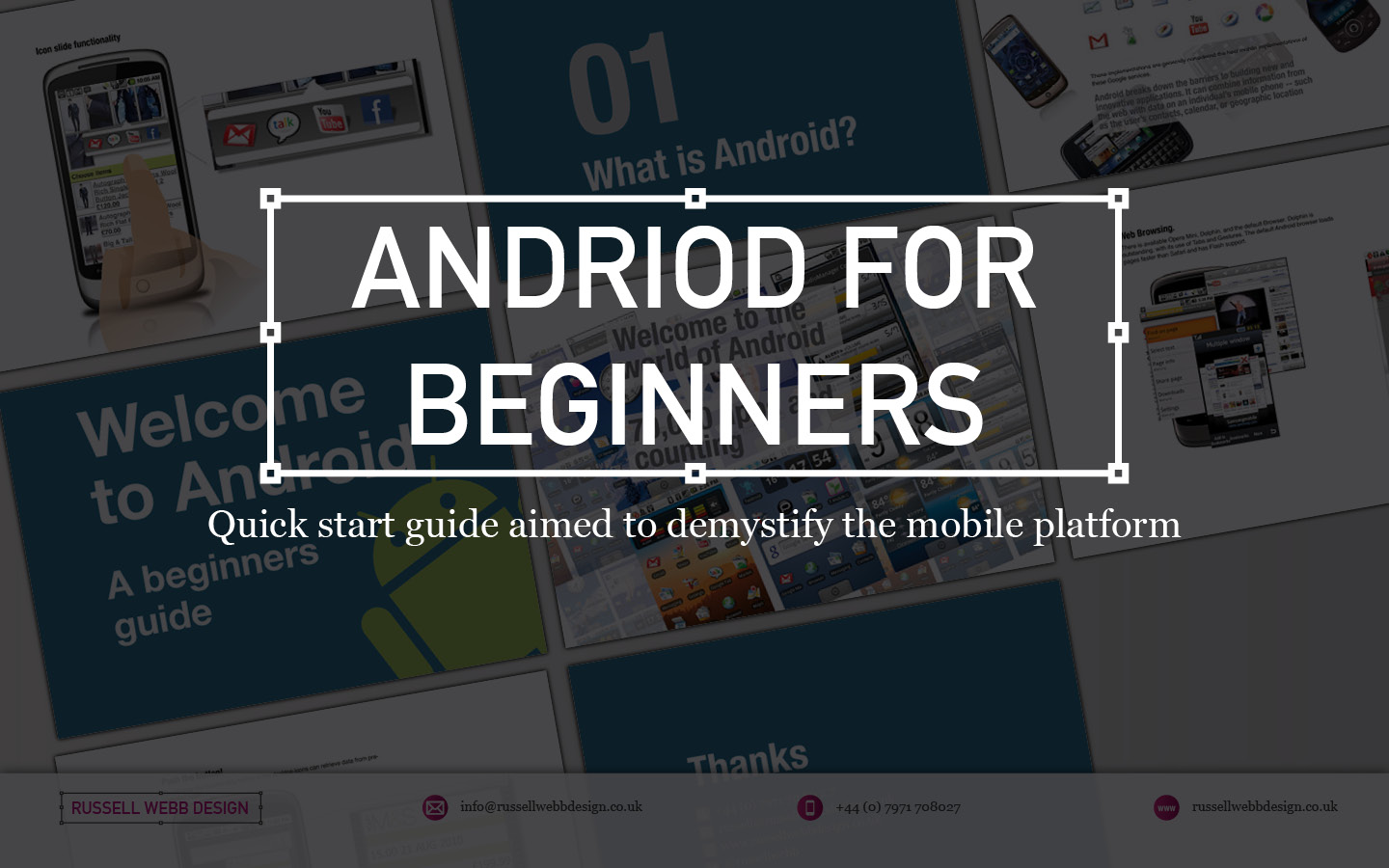
Imagine being a senior executive at a UK company, suddenly tasked with understanding the intricate world of Android. Time is tight, and you need a crash course that cuts through the technical jargon and delivers the essence of this mobile platform. That’s where I stepped in.
For senior executives
My UK client were seeking a crash course in the world of Android, I crafted a top-down, user-experience-focused overview of its driving principles.
This quick-start guide wasn’t just about features and functionalities; it was about the why behind them. In essence, how Android shapes user interactions, from app design to navigation and information consumption.
Welcome to Android – An Open Operating SystemWelcome to Android – 70000_App and Counting
By focusing on the driving principles that underpin the Android experience, equipping the user with the knowledge to make informed decisions. Whether you’re evaluating potential development projects, understanding your target audience’s behaviour, or simply staying ahead of the curve, this guide provided a solid foundation.
Welcome to Android – How
Design for Humans
Welcome to Android – Widget_Functionality
Understanding the user experience isn’t just about technical specifications; it’s about grasping the human element that drives engagement and ultimately, success. This quick-start guide was designed to do just that, empowering you to navigate the world of Android with confidence and clarity.
Android Widgets: Tiny Tools, Big Impact
Think of Android widgets as miniature apps living on your home screen. They offer:
Quick Info: Weather, news, calendar events, and more at a glance.
Instant Actions: Play music, add events, control smart devices – all without opening the app.
Customization: Choose size, information, and even themes to fit your needs.
These handy tools boost your efficiency, personalize your experience, and keep you informed without opening full apps. Explore various types like simple info displays, scrollable lists, and interactive buttons to find the perfect fit for your needs.
Welcome to Android – Browser and Flash
The End of an Era
RIP Flash
Flash was designed for the desktop era. I have left this in as IT IS interesting to get an insight in UX 15-years-ago, but to clear: ANDROID DOES NOT USE FLASH NOW
Why?
Outdated tech: Flash wasn’t built for touchscreens. It will drain batteries and there is no native support.
Security sieve: Flash’s history of vulnerabilities made it a hacker magnet.
Adobe officially announced the end of Flash in 2017. Its inability to adapt to the changing landscape left it vulnerable to the more agile and secure alternatives that had taken center stage.
While Flash may hold a place in internet history, its reign in the mobile world was short-lived, ultimately succumbing to the demands of a faster, more secure, and user-centric mobile experience.
Welcome to Android – Thanks
Discover high-impact UX case studies
Portfolio case studies describing design, my UX process, and business impact.
From boosting user adoption in fintech, to improving trust with responsible gambling through to retaining Millennials in the world of ‘digital lotteries UX’ to leveraging key USPs for mobile healthcare.
Provide innovative POP material for the pharmacy sector, increasing brand awareness, targeting consumers and pharmacy assistants for planned and unplanned journeys.
Five environment touch-points:
1.Window 2.In-store 3.Behind the counter 4.Counter top 5.On-shelf
Driving Awareness within the Independent Pharmacy
The aim is to provide innovative point of purchase materials for the pharmacy sector, increasing brand awareness of Solpadeine Plus, targeting consumers and Pharmacy Assistants (PAs). The POS campaign will bring to life the new Solpadeine ATL campaign in store to maximize recognition and engagement with the new Solpadeine creative. Create a variety of materials which can be used in different size stores.